Answer once.
Never again.
The AI answers most guest questions for you. Here’s how to handle the rest in seconds, and teach it so they don’t come back.

Today · 6 answered by AI · 1 needs you
How it works
Guests ask ChatGuru anything. It answers what it knows, and only brings you in for the rest.

1Guest scans the QR code in their room
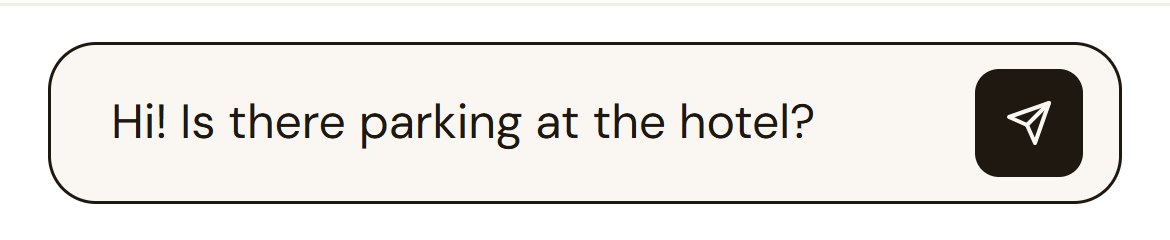
2Asks a question
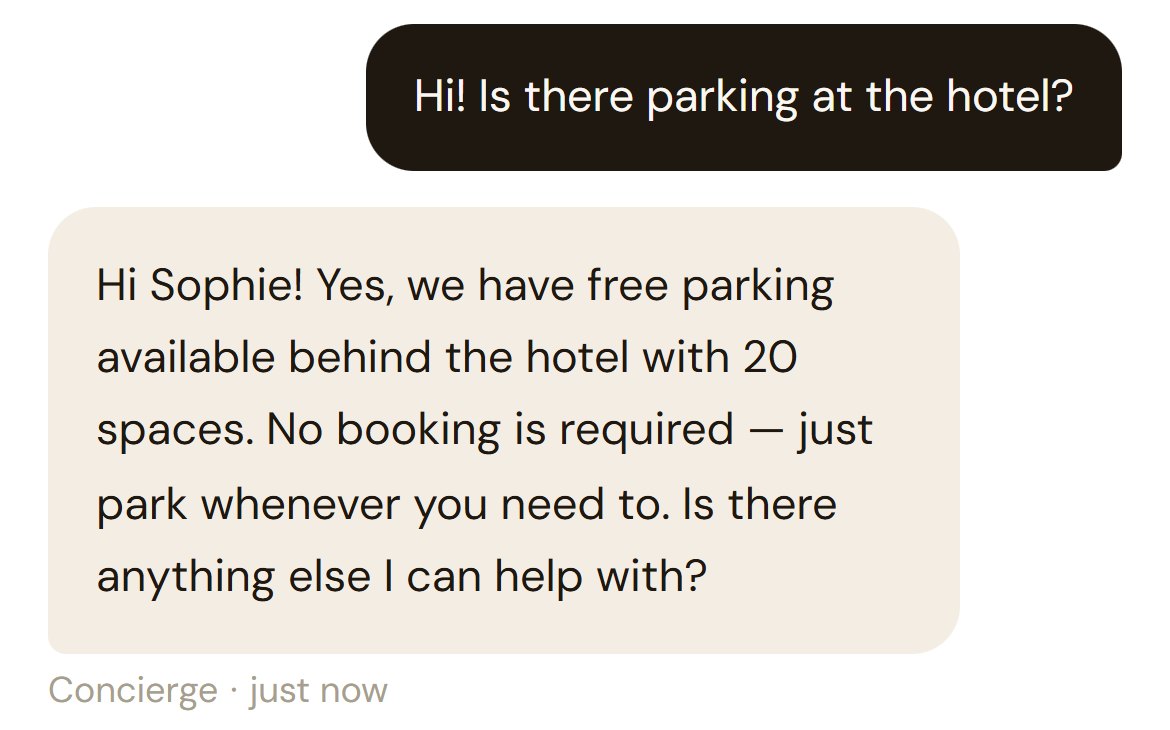
The AI answers straight away
✓ Done. Nothing for you to do.

ChatGurunow
New escalation · James
Can we leave our bags after checkout?
3You get an email or phone alert

4You answer

5You tap Learn
Now the AI knows it. The next guest gets the answer straight away.
Emails go to the addresses in Settings › Escalation. Not getting them? Ask your manager to add you.
Give the full answer
Cover the whole topic once, and the AI can handle every related question after. You won't be asked twice.
Where's breakfast?
In the restaurant.
What time does it start?
7am.
Is it included in my room?
Depends on your booking.
Three questions reach you, one after another.
Where’s breakfast?
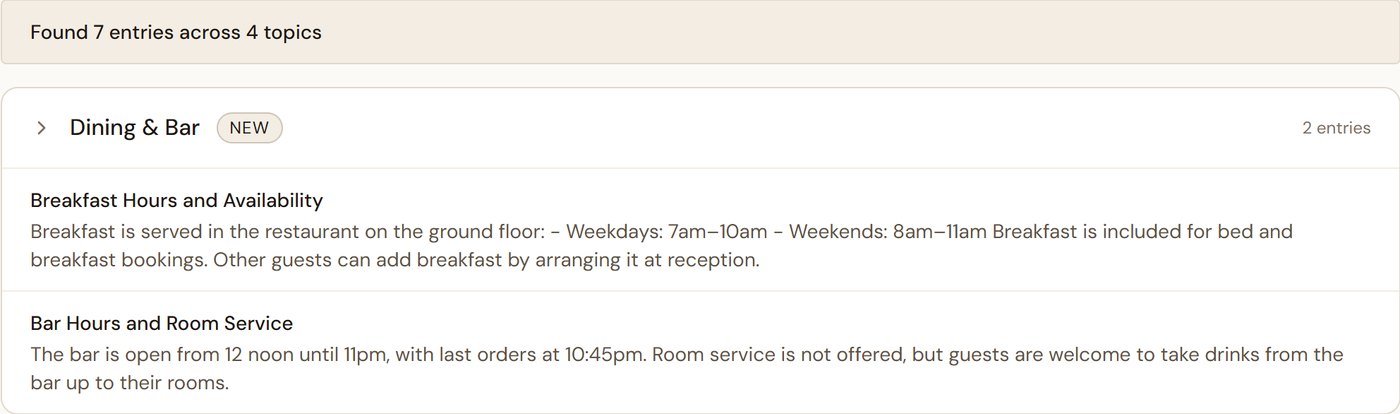
Breakfast is in the ground-floor restaurant, 7–10am on weekdays and 8–11am at weekends. It’s included with bed and breakfast bookings, and guests can add it at reception.
After you tap Learn, the AI answers all three.
Can’t offer what they asked for? Suggest an alternative: no room service, but the bar is open until 11pm.
Learn
One tap after you reply, and the AI keeps your answer for every guest after.
1Resolve, then tap Learn
Tap2Check what it learned, then add it
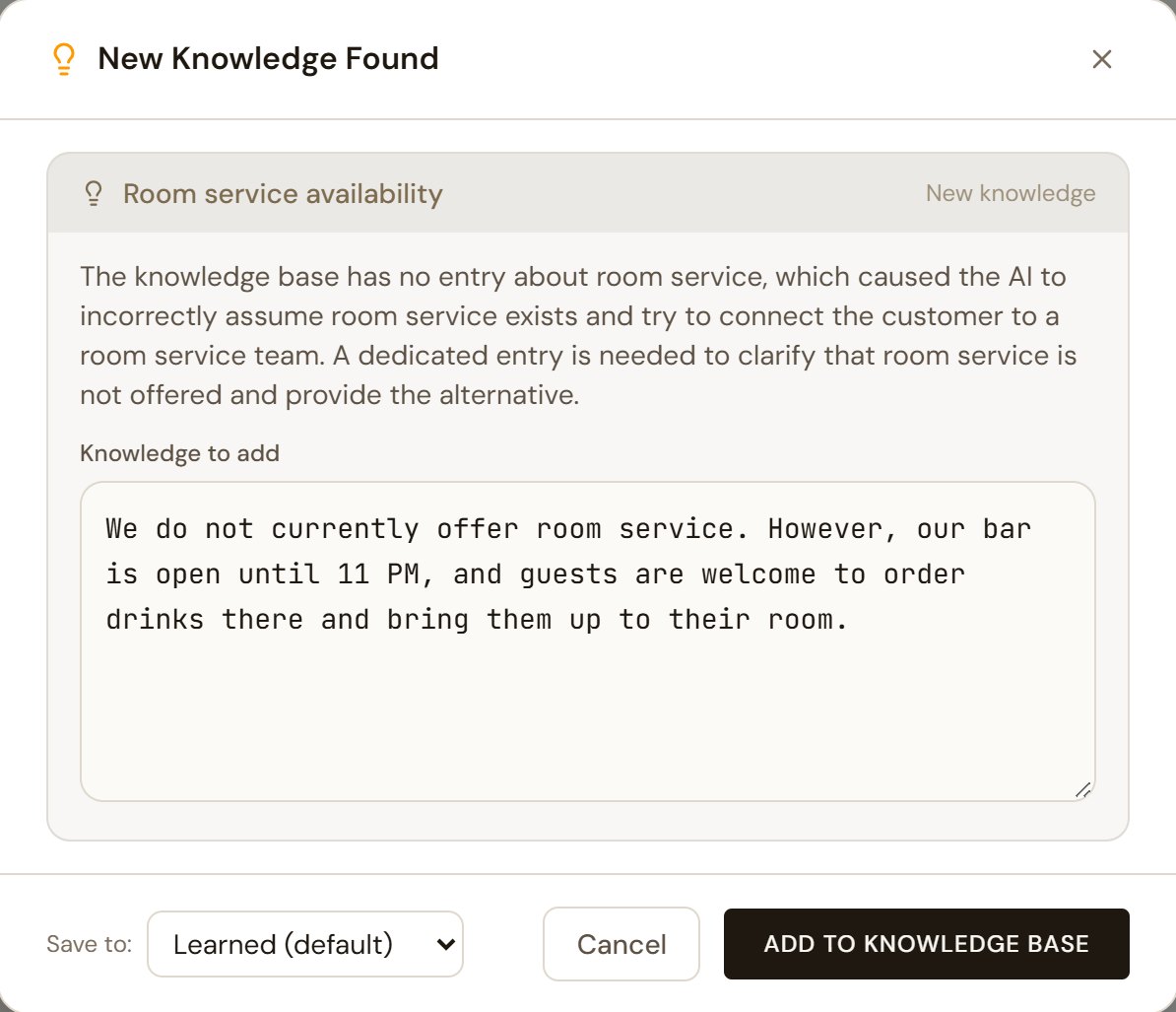 Add to knowledge base
Enhance: five-star replies in one tap
Type it quickly, in your own words. Enhance makes it guest-ready in seconds.
- Fixes typos and grammar
- Warm, friendly tone
- In the guest’s own language
- Clear and easy to read
1Type a quick reply, then tap ✦
 Tap ✦
2Check it, then send

Add info before guests ask
Paste anything into My Property Info: a menu, an email, your notes. The AI sorts it into topics.
1Paste your notes, tap Process with AI
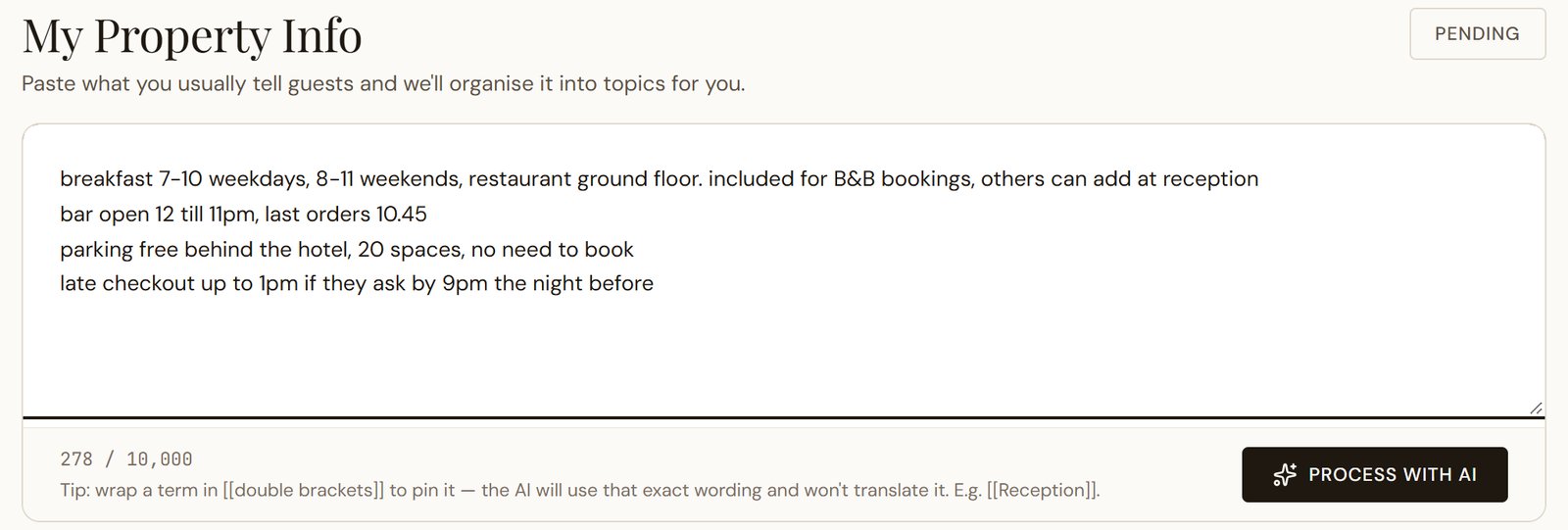 Process with AI
2Check the topics it made, confirm
On your phone
Install the ChatGuru app. Guest questions reach you anywhere in the building.
Thursday 5 November
9:41
ChatGurunow
New escalation · James
Hi! Can we leave our bags somewhere after checkout tomorrow? Our train is at 6pm
1A guest needs you
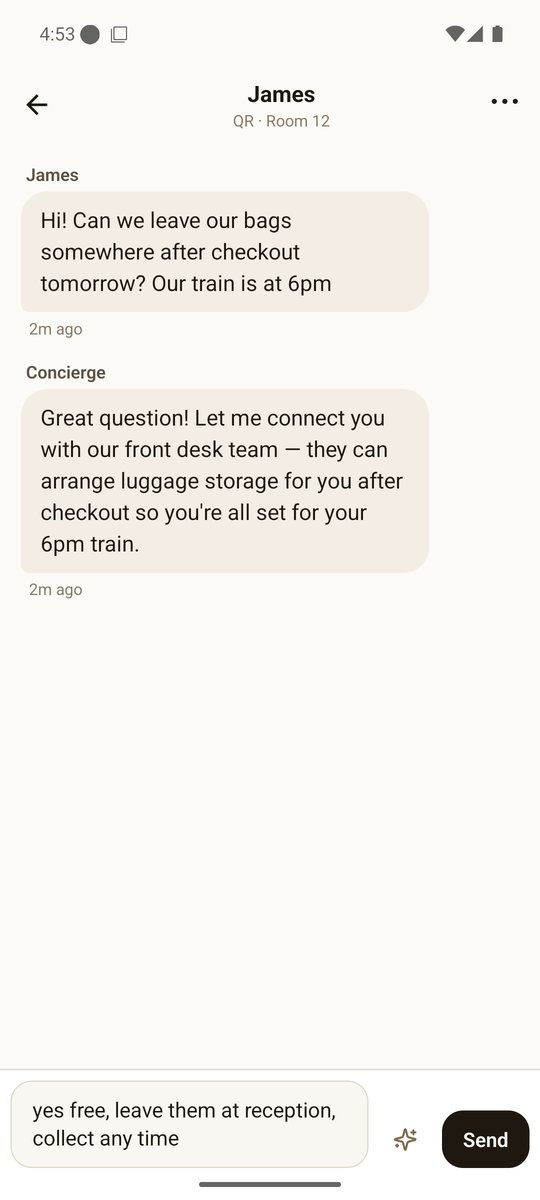 ✦
2Type, tap ✦, send
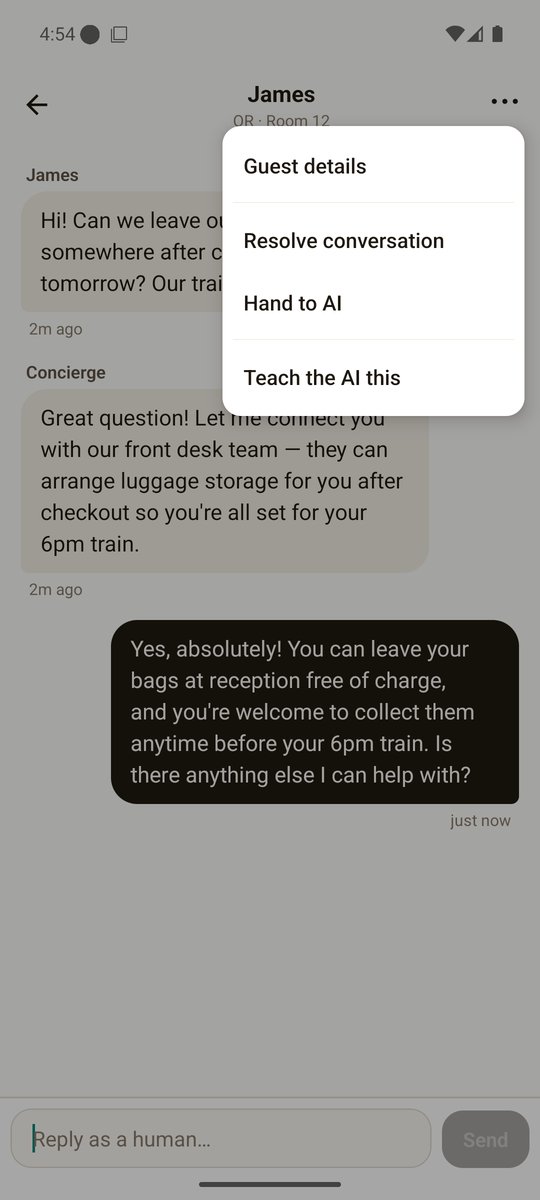 Learn
3⋯ › Teach the AI this
See “Maria is viewing”? A colleague has it. Leave it to them.